> ## Documentation Index
> Fetch the complete documentation index at: https://docs.docswrite.com/llms.txt
> Use this file to discover all available pages before exploring further.
# About
> Export your Google Docs to your Content Management System such as WordPress and Contentful, etc. in a single click
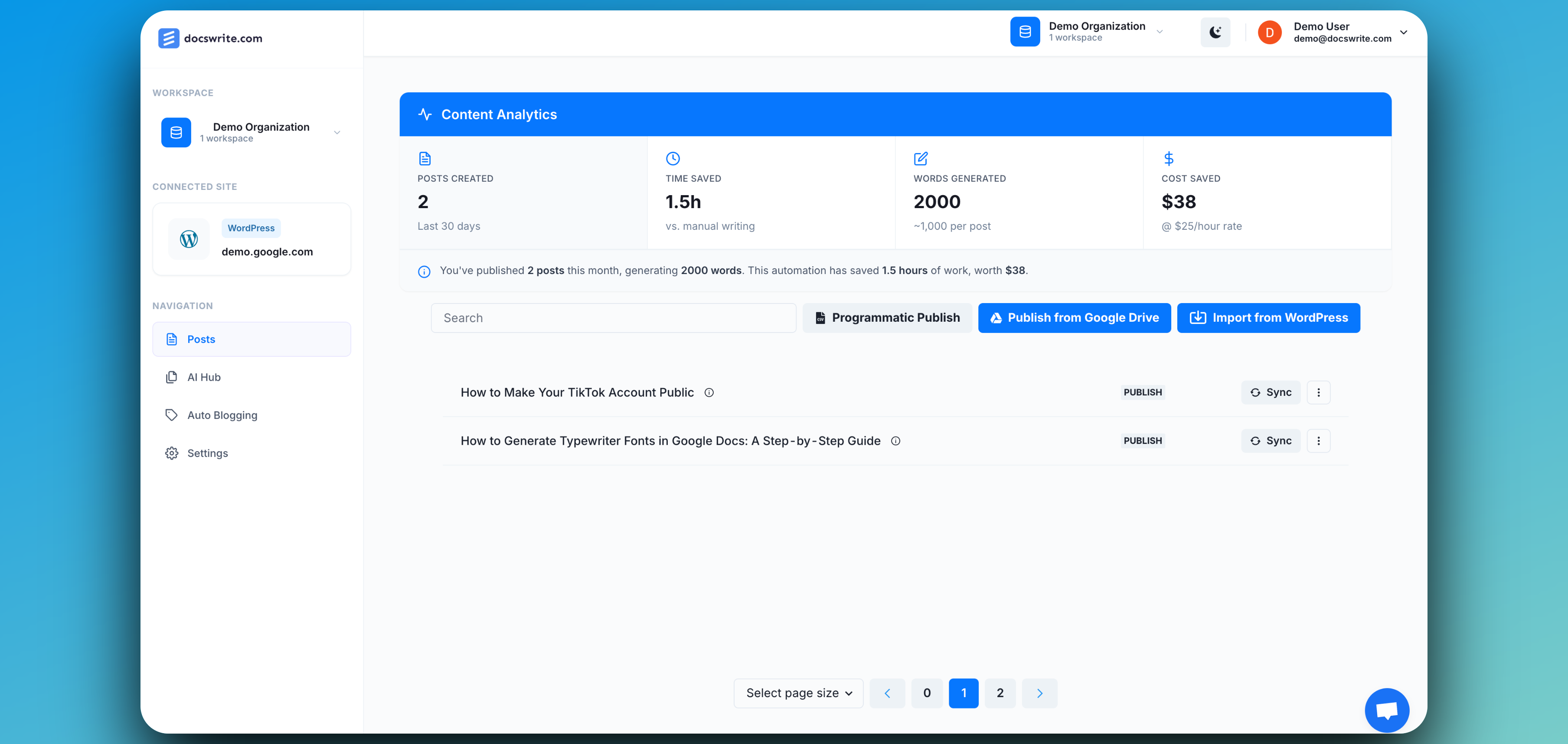 ## What is Docswrite?
Docswrite is a publishing automation tool that helps content teams seamlessly export content from Google Docs directly into their Content Management System (CMS) like WordPress, Contentful, and others.
Instead of wasting time copying, pasting, and reformatting blog posts or pages, Docswrite ensures your content is published exactly as written, with proper formatting, images, metadata, and SEO tags intact.
With Docswrite, you can:
* Export Google Docs to WordPress (including bulk export) – publish your content instantly, without copy-paste or formatting issues. Fully support ACF, Newspack, RankMath and YoastSEO
* Export Google Docs to Contentful (including bulk export) - publish your content instantly, without copy-paste or formatting issues
* Use Docswrite through your content workflow - use Trello, ClickUp and more using our Zapier integration
* Programmatic SEO (PSEO) – generate thousands of SEO-optimized pages in one click
* Export WordPress to Google Docs (including bulk export) – easily sync and collaborate on existing posts with your team
## Quick Start
Connect your WordPress site directly using the WordPress API for secure,
plugin-free publishing.
Use the Docswrite WordPress plugin to connect your site and enable advanced
publishing features.
{" "}
}
href="/connect/contentful"
>
Connect your Contenful site directly plugin-free publishing.
}
href="/guides/zapier-flow"
>
Automate your publishing workflow by connecting Docswrite to Trello, ClickUp, and more using Zapier.
## What is Docswrite?
Docswrite is a publishing automation tool that helps content teams seamlessly export content from Google Docs directly into their Content Management System (CMS) like WordPress, Contentful, and others.
Instead of wasting time copying, pasting, and reformatting blog posts or pages, Docswrite ensures your content is published exactly as written, with proper formatting, images, metadata, and SEO tags intact.
With Docswrite, you can:
* Export Google Docs to WordPress (including bulk export) – publish your content instantly, without copy-paste or formatting issues. Fully support ACF, Newspack, RankMath and YoastSEO
* Export Google Docs to Contentful (including bulk export) - publish your content instantly, without copy-paste or formatting issues
* Use Docswrite through your content workflow - use Trello, ClickUp and more using our Zapier integration
* Programmatic SEO (PSEO) – generate thousands of SEO-optimized pages in one click
* Export WordPress to Google Docs (including bulk export) – easily sync and collaborate on existing posts with your team
## Quick Start
Connect your WordPress site directly using the WordPress API for secure,
plugin-free publishing.
Use the Docswrite WordPress plugin to connect your site and enable advanced
publishing features.
{" "}
}
href="/connect/contentful"
>
Connect your Contenful site directly plugin-free publishing.
}
href="/guides/zapier-flow"
>
Automate your publishing workflow by connecting Docswrite to Trello, ClickUp, and more using Zapier.