> ## Documentation Index
> Fetch the complete documentation index at: https://docs.docswrite.com/llms.txt
> Use this file to discover all available pages before exploring further.
# Advanced Custom Fields (ACF) Support
> How to export and map Google Docs content to WordPress Advanced Custom Fields (ACF) using Docswrite.
# Google Docs to WordPress ACF: Effortless Field Mapping
Docswrite makes it easy to export your Google Docs content directly into [Advanced Custom Fields (ACF)](https://www.advancedcustomfields.com/) on your WordPress site, streamlining structured publishing and eliminating manual data entry.
## How Docswrite’s ACF Integration Works
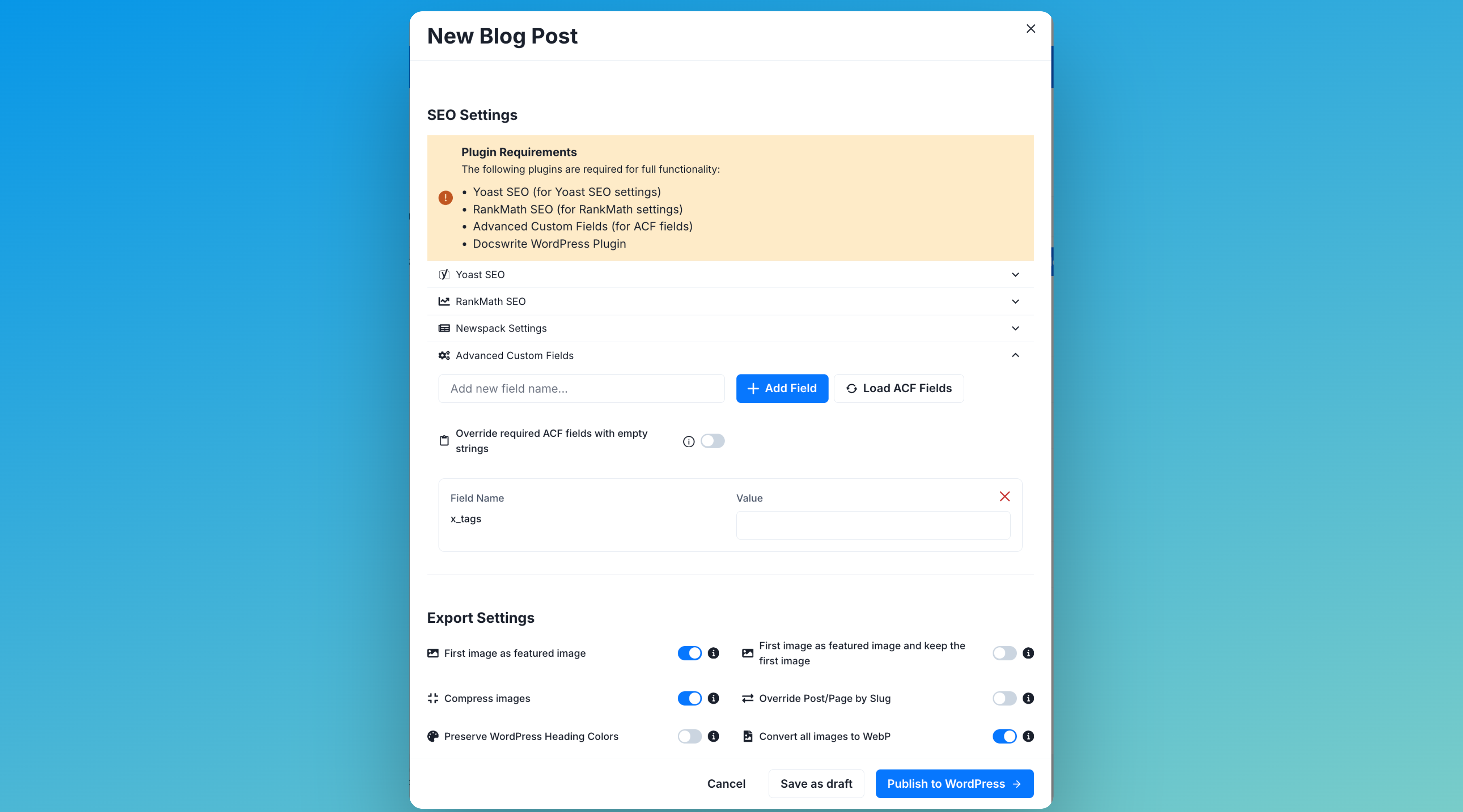
When you export a Google Doc, Docswrite automatically detects your ACF field groups and lets you map content from your document to each custom field. This allows you to:
* Populate any custom post type and ACF field (text, image, repeater, etc.)
* Automate structured content workflows
* Avoid tedious copy-paste into WordPress
Learn more about the integration on the [Docswrite ACF product page](https://docswrite.com/product/acf).
## Step 1: Prepare ACF on Your WordPress Site
1. Install and activate the [Advanced Custom Fields plugin](https://wordpress.org/plugins/advanced-custom-fields/).
2. Create your custom fields and assign them to the relevant post type(s).
## Step 2: Connect Your WordPress Site to Docswrite
Connect your site to Docswrite using the [WordPress API or plugin integration](/integrations/wordpress/api).
## Step 3: Map Google Doc Content to ACF Fields